A tattoo studio can run out of a basic supply even when everyone thinks somebody else reordered it. The failure often happens at the handoff: a case was opened, the shelf count changed, and the person who placed the last order was off that day. A short reorder log gives the next shift one place to check before anyone sends another order.
Count the unit you actually order
Start with a few items whose absence would interrupt the front desk or the working day. Receipt rolls, printer paper and cleaning wipes are easier to track when the log specifies whether the count is in individual packs or sealed cases. Write the storage location beside the item. If supplies are split between a front desk and a cabinet, count both and record the locations rather than trusting a single shelf.
Give each line a date and an owner. A sample entry might read “Receipt rolls, front desk cabinet, two sealed packs, count checked Monday by opening shift.” Record a partial pack separately if it matters. The point is to make the next count comparable, even when someone else does it.
Choose a reorder point from your own records
Review recent use and how long deliveries have taken. Set a starting threshold that gives your team time to order before supplies run out, then revise it after a few cycles. A threshold is a cue to check the shelf and open orders. It does not replace either check. For stores using Square, its inventory alert documentation explains that a low-stock alert is generated when the recorded count falls below the configured threshold. A studio can also run the same process on a shared sheet.
Make ordered and received visible
Use a small set of states such as “count needed,” “order placed,” and “received.” Under order placed, record the date, supplier reference, quantity, and delivery estimate if the supplier gave one. Under received, record what arrived and who checked it. If a shipment is short, leave the outstanding quantity open so the next person can follow up against the same order.
Put the exception in the shift handoff
The handoff only needs the item, the issue, and the next action. For example, “One pack on the shelf; replacement ordered Tuesday; closing shift to check delivery confirmation.” Keep the detailed purchase record in the inventory log. The InkOps shift handoff guide covers how to assign that next action to a person.
Frequently asked questions
How often should I count?
Start with a consistent count for items you use often. When something runs low between counts, log the change and adjust the next check. The actual pace depends on how your studio uses and receives stock.
Who closes out an order?
Give the person who checks the shipment a place to record what arrived. Leave any missing or damaged quantity open with an assigned follow-up.
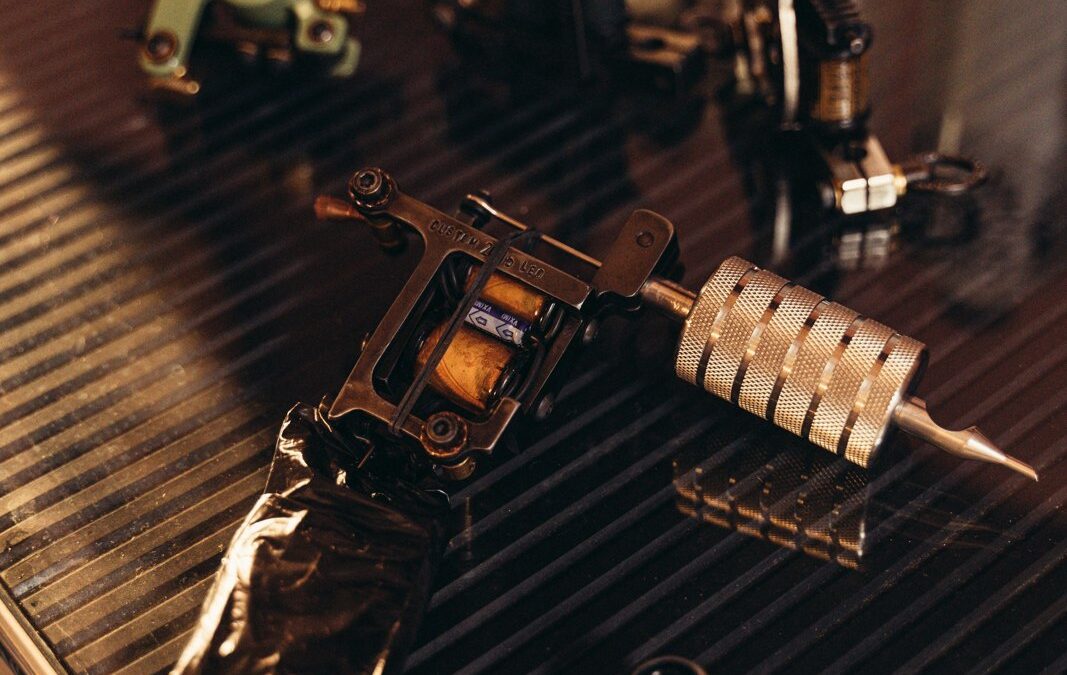
Representative tattoo workstation photograph by Antoni Shkraba, used under the Pexels License. The photograph does not depict a studio featured in this article.